• Find Anything
Semantic Search
Users ask in plain English. DocsBot finds the exact answer across thousands of pages using vector search, not keyword matching.
DocsBot transforms your documentation into an intelligent, interactive experience. Let users ask questions in natural language and get instant, accurate answers powered by AI.
Trusted by forward-thinking teams


Four simple steps to transform your documentation into an interactive AI assistant that answers questions 24/7.
Add Knowledge Source
Docs, PDFs, URLs, or integrations
Bring your knowledge base to the tools your developers and customers use every day. One source of truth, delivered across every endpoint.
Search documentation directly from your Slack workspace. Perfect for internal teams and community support channels.
DocsBot only answers from your provided content. When it can't find an answer, it identifies the gap or escalates to a human expert with full context.
When the docs aren't enough, seamlessly escalate complex technical queries to your engineering team with full context.
Connect your Notion workspace, GitHub repos, or Confluence pages. DocsBot re-indexes automatically whenever you update your documentation.
Connect to GitHub, Notion, or Confluence. DocsBot automatically re-indexes your knowledge as your documentation evolves.
Understand what your users are actually searching for. Automatically surface missing content and outdated articles to drive your documentation roadmap.
AI identifies questions users are asking that aren't covered in your current docs. Know exactly what to write next.
DocsBot doesn't just search your docs. It understands them, cites them, and learns from every conversation.
Users ask in plain English. DocsBot finds the exact answer across thousands of pages using vector search, not keyword matching.
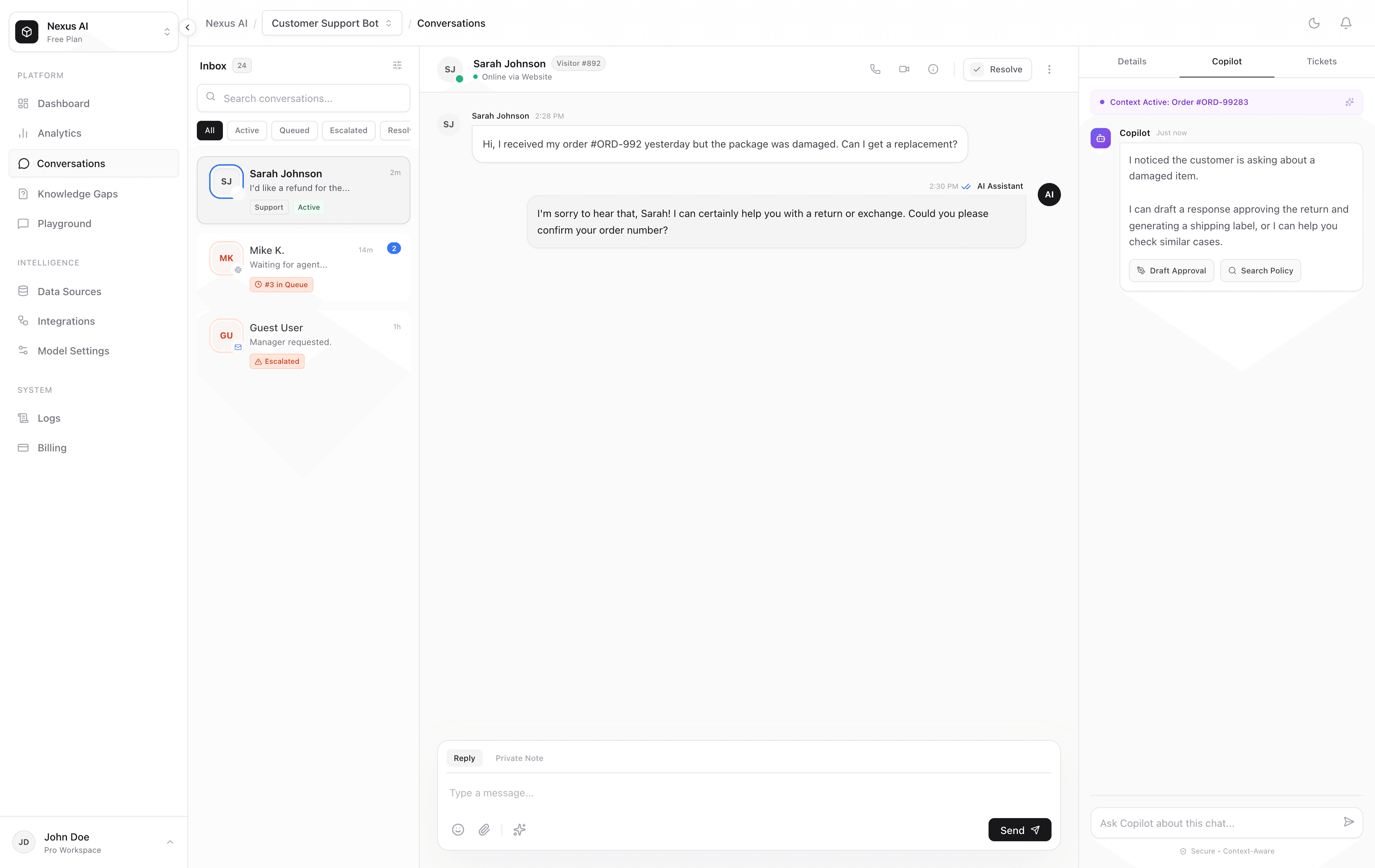
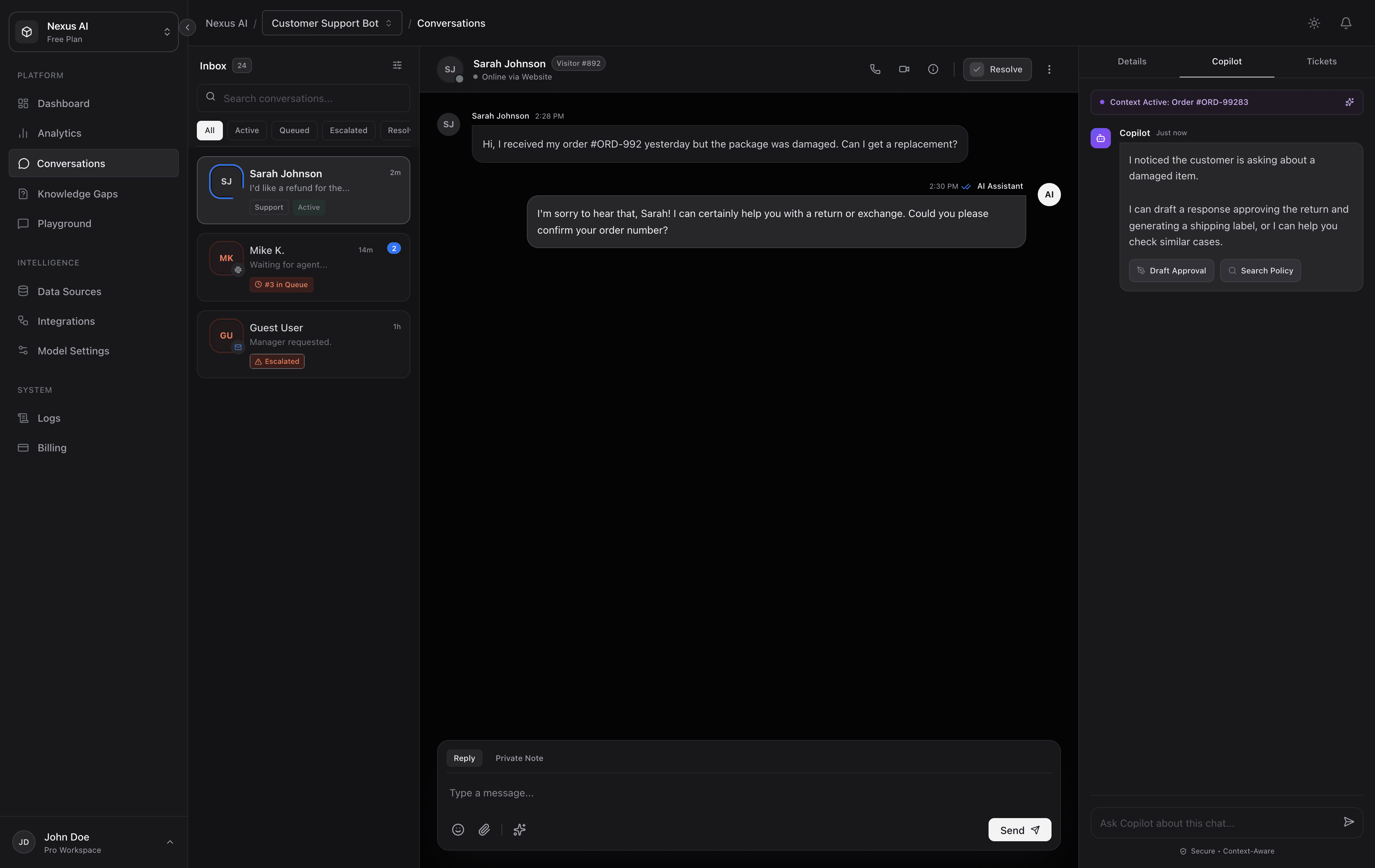
Manage unresolved questions as tickets with priority, status, assignee, and full conversation context in one built-in support queue.
Every answer links back to the exact source document and section. Users can verify answers with one click. No hallucinations, no guesswork.
When docs are not enough, DocsBot creates a ticket with the question, source context, and conversation transcript so a human can take over.
See the topics users ask about most, spot repeated confusion, and turn real conversations into better documentation priorities.
Connect Notion, Confluence, GitBook, Google Docs, GitHub READMEs, and more. Changes sync automatically so answers stay current.
See what users ask that your docs don't cover. Get automated suggestions for new articles to fill the gaps.
Website widget, Slack bot, Discord integration, or API — deploy DocsBot wherever your users already are. One knowledge base, every channel.
From developer APIs to internal wikis, DocsBot adapts to any documentation use case.
To authenticate, include your API key in the Authorization header:
curl -H "Authorization: Bearer sk_live_..."Source: Authentication Guide
Transparent pricing that grows with you, from day 1.
For small teams


For scaling teams
For global teams
Everything you need to know about turning your docs into a conversational assistant.
DocsBot supports websites, PDFs, Markdown files, Notion pages, Confluence spaces, GitBook, Google Docs, and GitHub repositories. Simply paste a URL, upload files, or connect via our integrations. We automatically sync when your docs change.
DocsBot uses Retrieval-Augmented Generation (RAG). It only answers based on your provided documents and includes direct citations linking back to the exact source. If the answer isn't in your docs, it tells the user rather than making something up.
Yes. DocsBot supports role-based access control. You can mark certain knowledge sources as private, requiring authentication via SSO or API keys. Public docs are available to everyone; internal docs are restricted to authorized users.
Most teams are live in under 30 minutes. Paste your docs URL or upload files, wait for indexing (usually 2-10 minutes depending on size), grab the embed code, and you're done. No engineering required for the widget.
DocsBot will let the user know the answer isn't in the current documentation and offer to escalate to a human, create a support ticket, or collect feedback so you know what docs to add next.
Join teams that have turned their static documentation into 24/7 AI assistants. It takes 2 minutes to connect your first doc.